Graphite Theme Quickstart
Graphite is a sleek and modern Home Assistant theme with both a soothing dark mode and a clean, bright light mode. It's easy to install and customize via HACS, the Home Assistant Community Store.
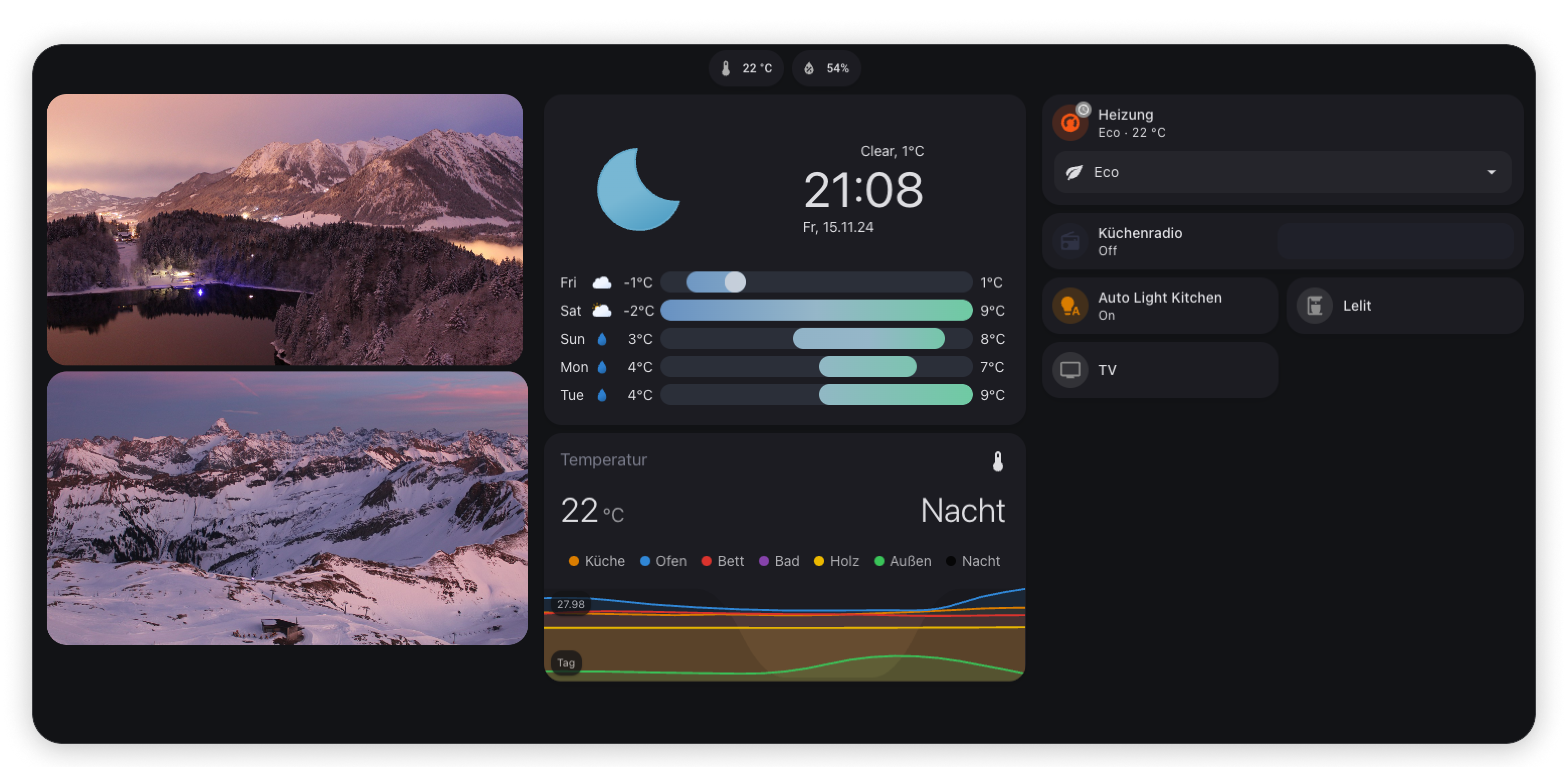
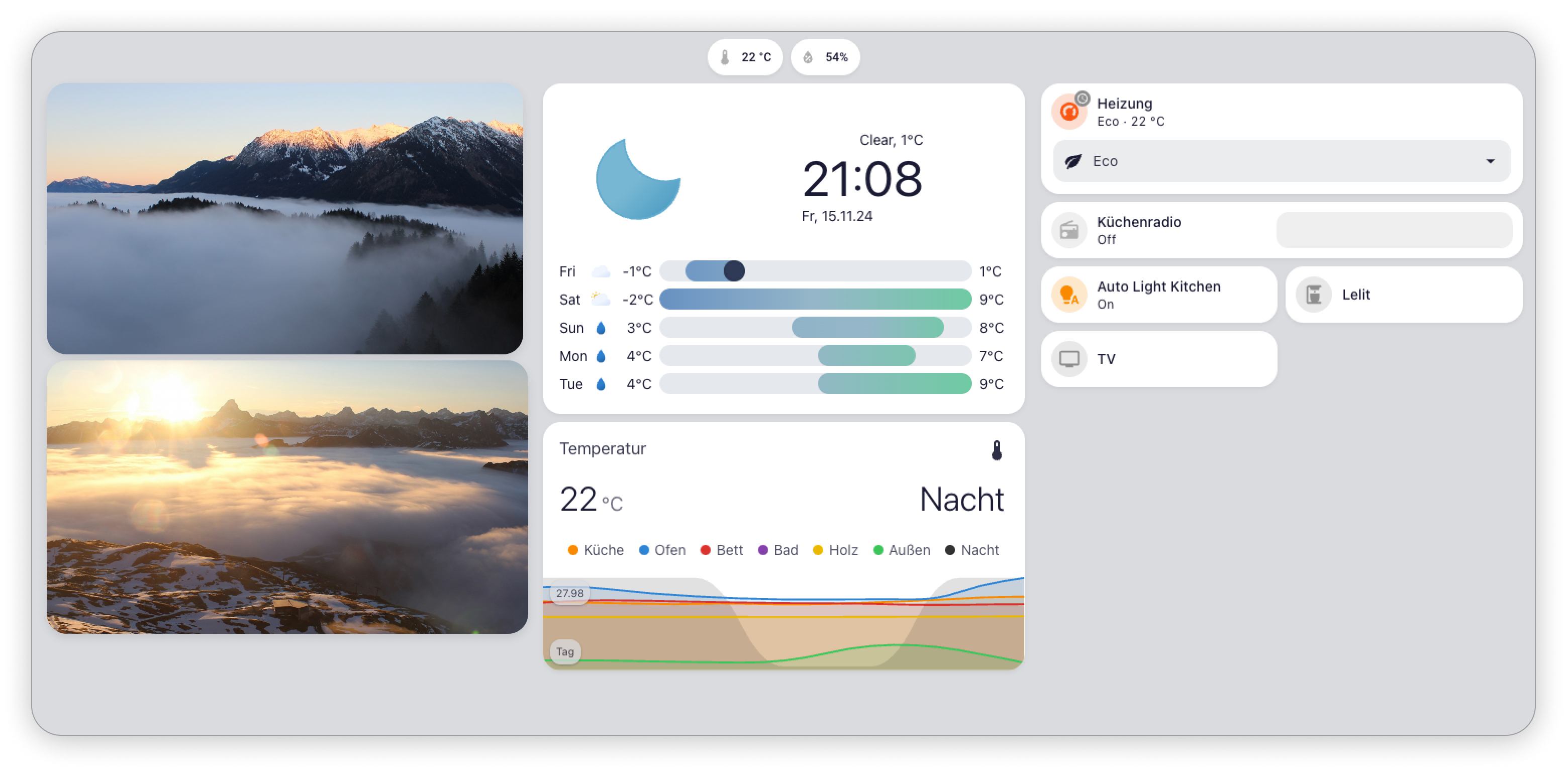
Installation via HACS
Follow these steps to install the Graphite theme using HACS:
Step 1: Install HACS
If you haven't already, install HACS by following the official guide.
Step 2: Add the Graphite Theme Repository

Alternatively
- Open the HACS interface in Home Assistant.
- Search for Graphite Theme or use the direct link below:
- Click Install to add the theme to your setup.
Step 3: Configure Your Theme Directory
Ensure your configuration.yaml is set up to include custom themes:
yaml
frontend:
  themes: !include_dir_merge_named themes
Step 4: Restart Home Assistant
Restart your Home Assistant instance to apply changes.
Step 5: Select the Graphite Theme
- Go to your User Profile in Home Assistant.
- Under Themes, select
Graphite(Light or Dark) from the dropdown menu.
Manual Installation
For manual installation, you can follow these steps:
- Download and copy the
themesfolder into your Home Assistant configuration directory. - Add the following to your
configuration.yaml:yamlfrontend: themes: !include_dir_merge_named themes - Restart Home Assistant.
- Choose the
Graphitetheme from your profile.
If this theme improves your Home Assistant experience, leaving a star on GitHub would mean a lot and help others discover it too!